Find & replace
Jump to phrases and swap wording in seconds for cleaner edits.
Write freely. Stay organized.
Capture ideas, outlines, and drafts with a lightweight editor that saves locally in your browser, respects your privacy, and loads quickly on every device.
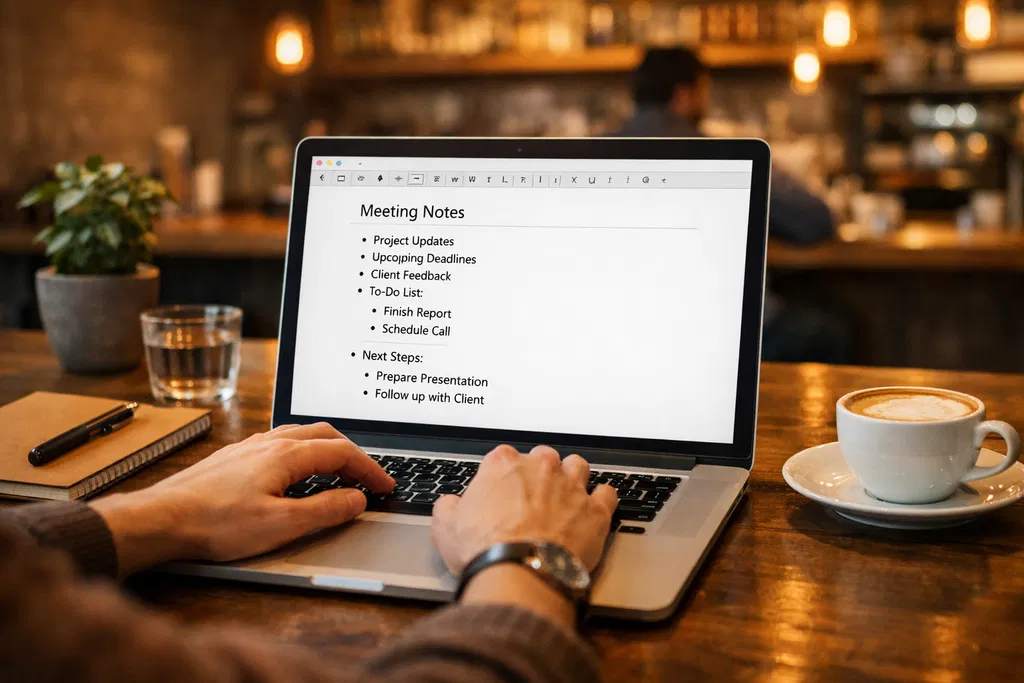
onlinenotepad.me is built for everyday writing: meeting notes, study guides, checklists, and long-form drafts. The interface stays out of your way while giving you dependable tools for formatting, navigation, and backup.
Minimal assets, compressed media, and a clean layout keep pages responsive on mobile networks and older devices.
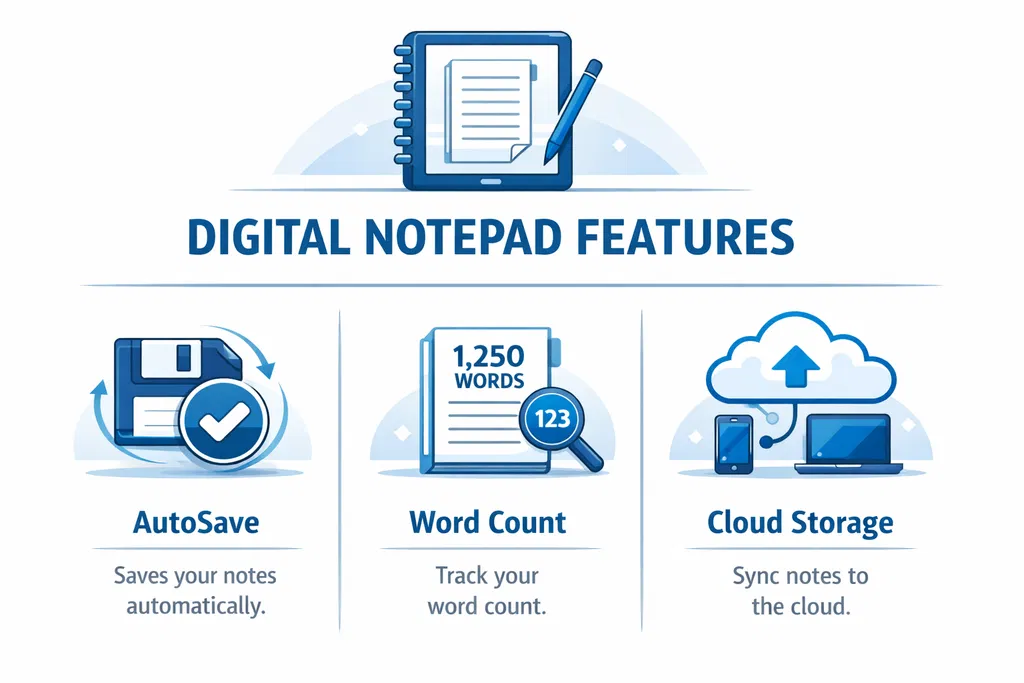
Your work is stored locally as you type so refreshes and accidental closes are far less stressful.
Notes live in your browser storage unless you export them — ideal for quick thoughts you do not want uploaded.
From a streamlined plain editor to a multi-note workspace, you get practical utilities without clutter.
One focused canvas for plain notes—ideal when menus and sidebars would only slow you down.
Drafts persist locally while you type so refreshes and crashes are less likely to erase progress.
Watch totals change in real time—useful for syllabi, briefs, and character-conscious social drafts.
Jump to phrases or rename terminology across an entire note without manual scanning.
Underline-and-fix flows come from your browser, keeping proofreading familiar and fast.
Download .txt snapshots or send a tidy page to print—and often PDF—through your OS dialog.
Jump to phrases and swap wording in seconds for cleaner edits.
Watch totals update as you write to hit goals and stay concise.
Download text files or use your browser print dialog for paper or PDF.
Understanding storage and shortcuts helps you write with confidence.
Your browser allocates space for onlinenotepad.me so drafts can reload after visits. Clearing “site data” resets that space—export first if you need a permanent copy.
The Notepad page batches saves about once per second; the App debounces per note so titles, lists, and content stay aligned without hammering storage APIs.
Routine note content does not upload to our servers. Only actions you initiate—like submitting the contact form—leave the browser.
Lightweight tools reward consistency — open a tab and keep moving.
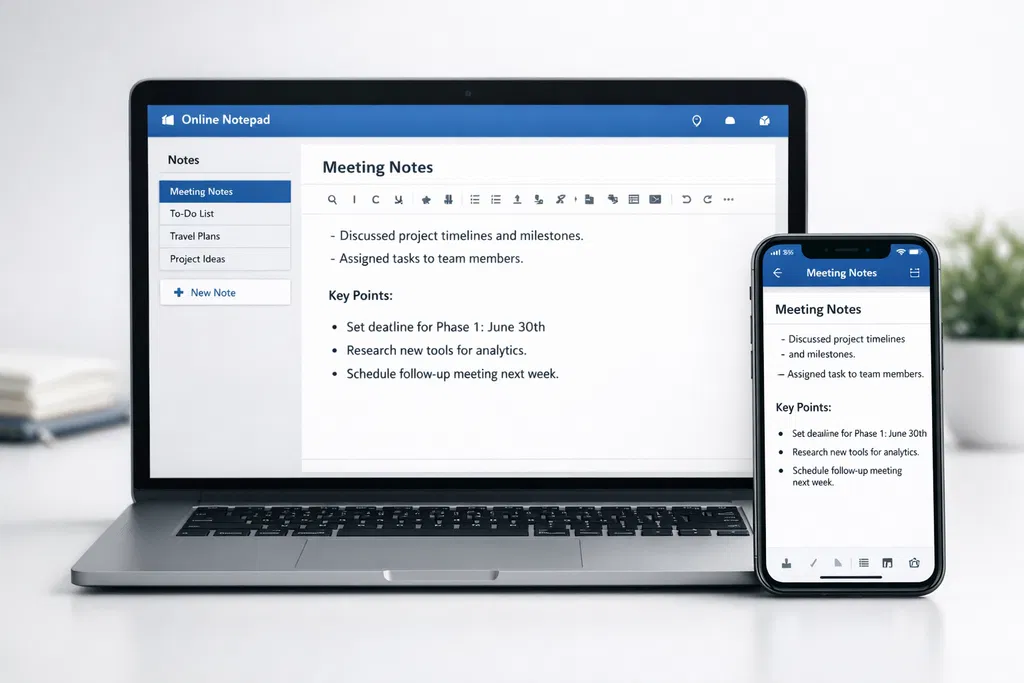
onlinenotepad.me is structured for two rhythms: the Notepad page strips everything back to a single textarea with a compact toolbar—mirroring the calm flow of classic desktop scratch pads. The App adds structured menus, multiple notes, and richer formatting when your work benefits from organization.
Both experiences prioritize legible typography, predictable spacing, and touch-friendly targets so phones feel as intentional as desktops. When you are ready to publish elsewhere, copy, export, or print—your content remains yours.
Use an up-to-date Chromium, Firefox, or Safari build for the best storage quotas and spellcheck. Internet Explorer–era engines are unsupported.
Use headings inside your notes for skimmable minutes, keep a scratch note for transient ideas, and export important documents regularly. Clearing site data removes local drafts — export first if you need a permanent copy.